Invoicing
Crypto invoices your customer can pay in one click
Build an invoice with line items, tax, and a due amount. We email it with a Pay invoice button that opens hosted checkout. When they pay, the invoice flips to paid and the payment follows your wallet or bank settlement settings.
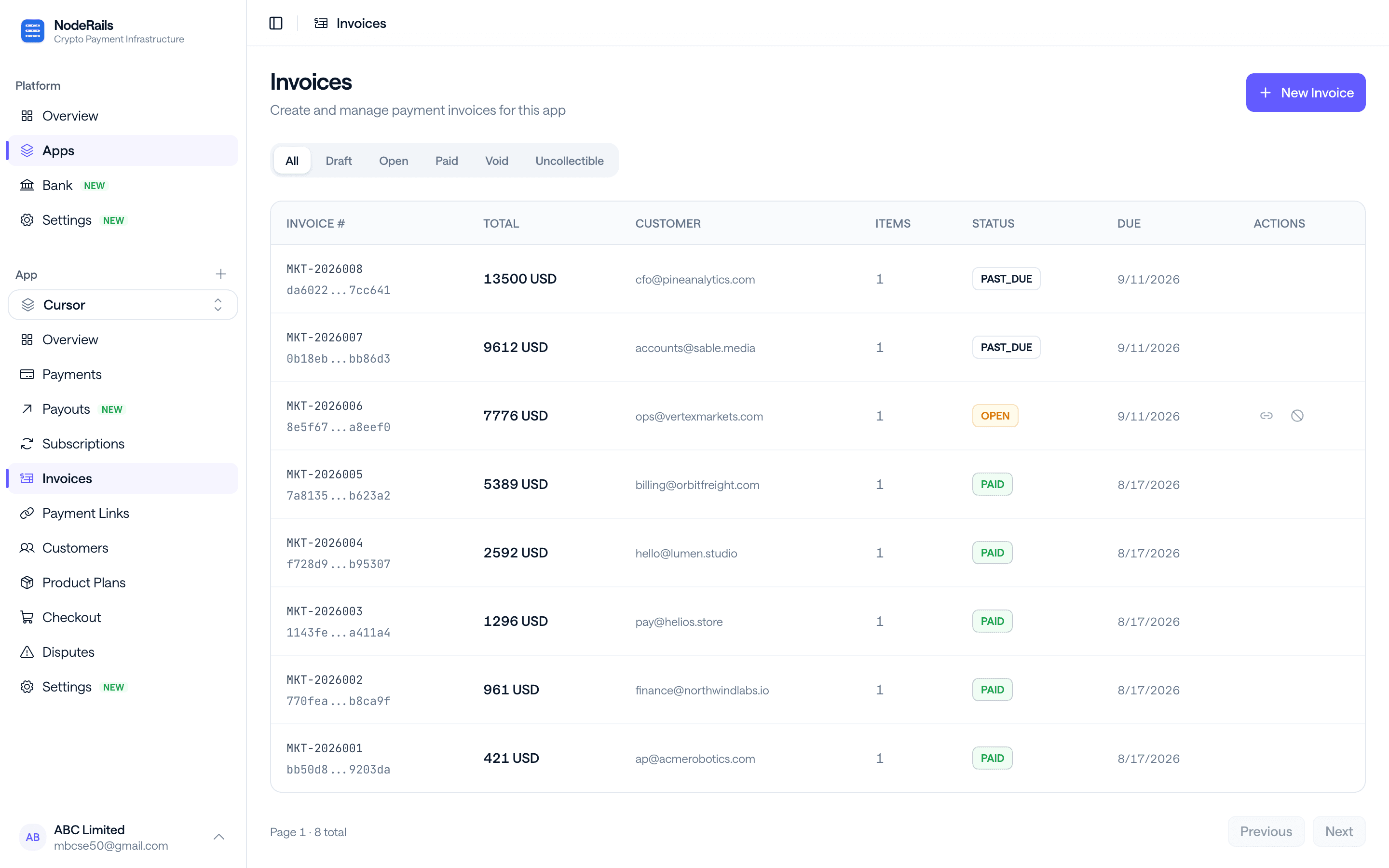
Invoicing for crypto businesses
Create, send, and reconcile from the dashboard or the API. Tax rates you set once apply on the invoice and the receipt.
Line items
Quantities, unit prices, and descriptions. The customer sees the same breakdown on the email and at checkout.
Tax rates
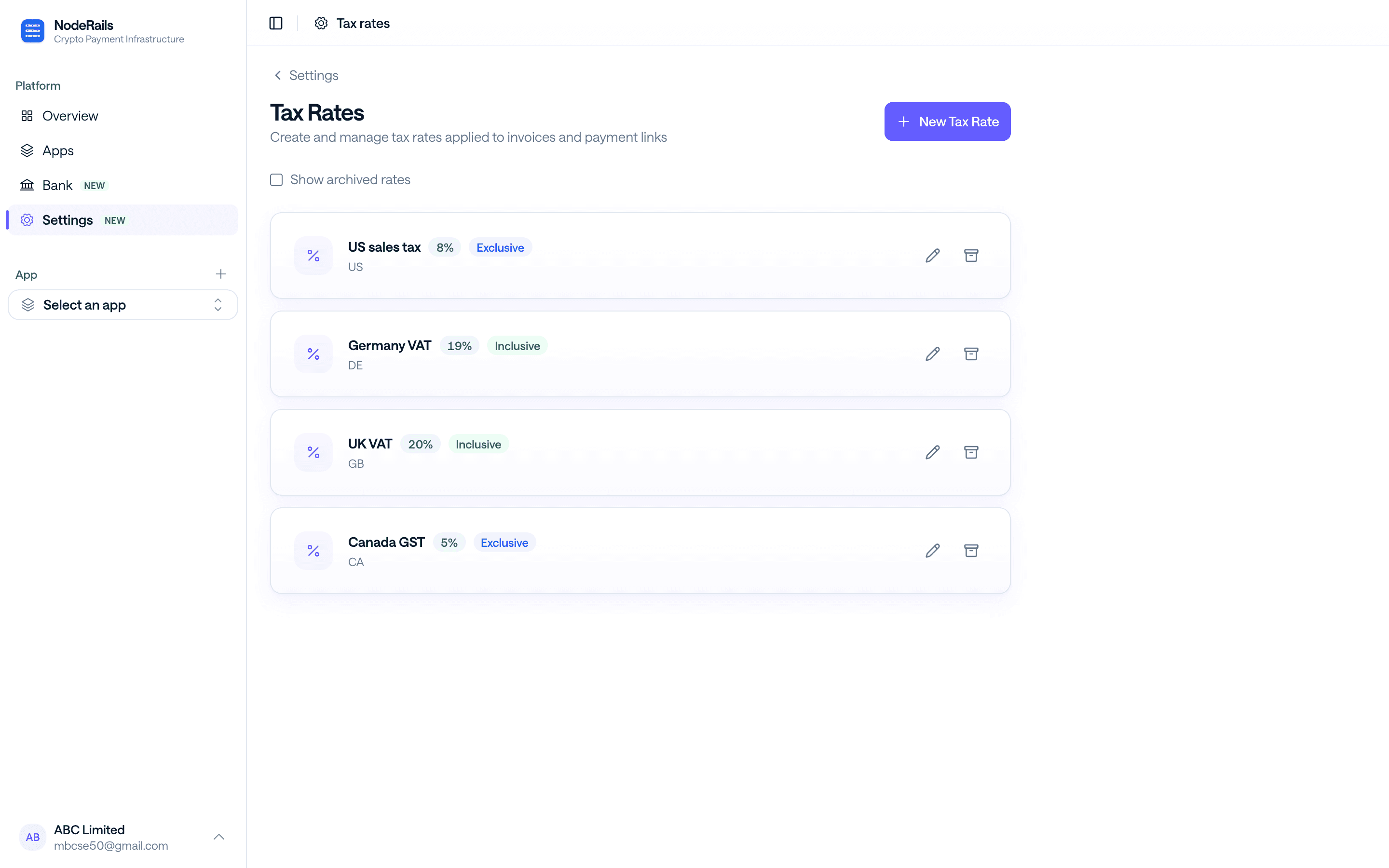
Inclusive or exclusive rates, by jurisdiction. The tax line is stored on the payment, not guessed later.
Email delivery
Sent to the customer with a Pay invoice button that opens the hosted checkout page.
Status tracking
Draft, sent, paid. Open the linked payment for fees, settlement, refunds, and disputes.
Tax that matches the receipt
Configure US sales tax, VAT, GST, or your own rate. Apply it on the invoice. Checkout and the receipt show the same numbers, so finance is not reconciling two stories.
- Several rates per merchant
- Inclusive or exclusive calculation
- Tax line on the invoice, checkout, and receipt
Paid invoices still have buyer protection
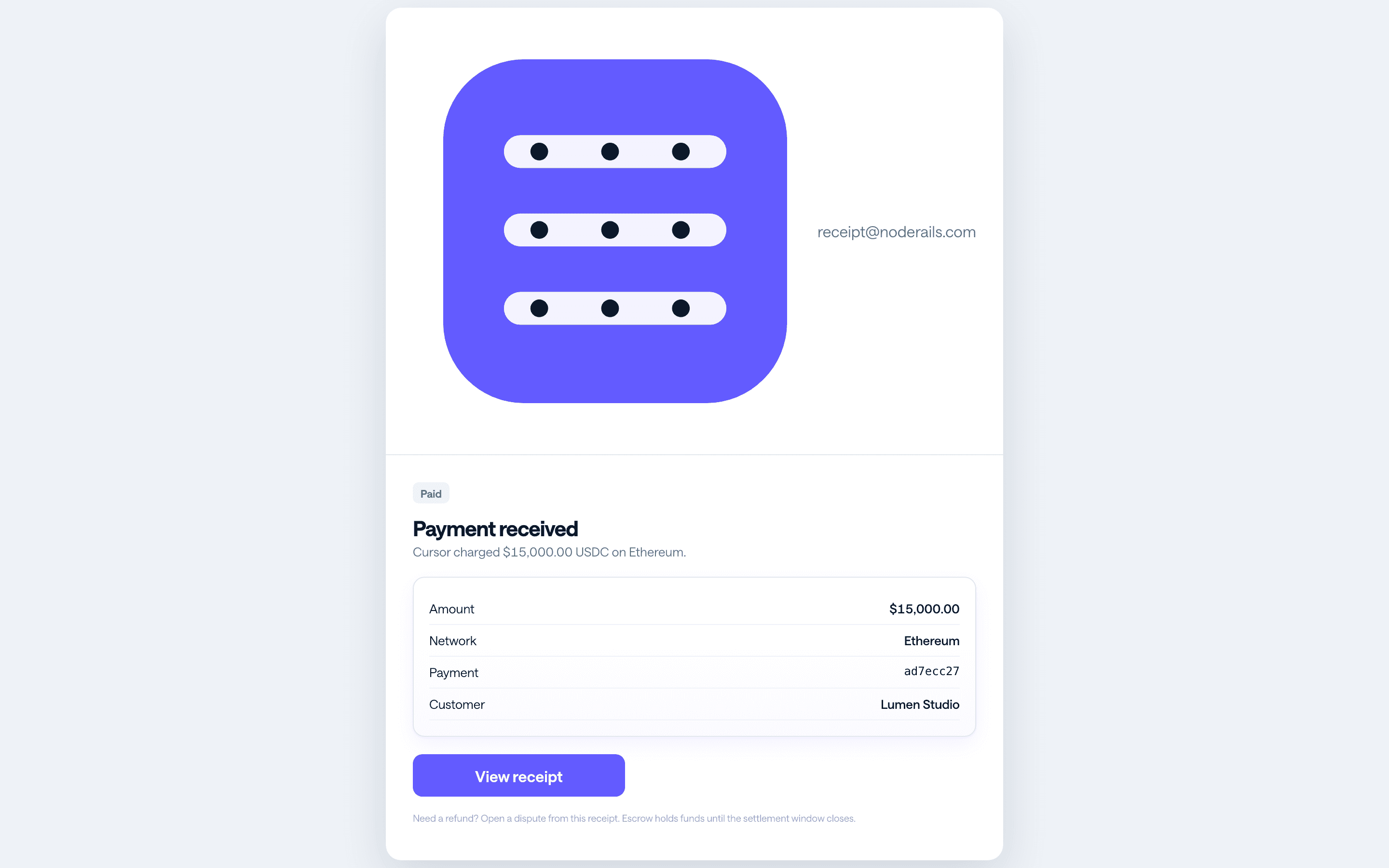
A paid invoice is a captured payment. The customer gets a receipt and can open a dispute while escrow is open. You refund from the payment, including a partial refund that reduces what still settles to wallet or bank.
- Receipt email with a dispute option
- Escrow-backed refunds and chargebacks
- Dispute history next to the invoice in the dashboard
Send your first invoice today
Add line items, apply tax, send. Your customer pays on the same checkout as everyone else.
Get Started Free