Payouts
Pay recipients from the wallet you already authorized
Connect a payout wallet, sign a yearly authorization, and fund the token (or native balance). Then send now, schedule a one-shot, or run a recurring schedule. Recipients get the full amount. You pay the fee on top.
Payroll, affiliates, and rewards on-chain
Dual authorization: your wallet signature plus NodeRails. Limits and history live in the dashboard, not in a custodial balance.
Send now or later
One recipient or a bulk EVM list (up to 200 lines). Solana sends native SOL to one address. Sui create is stored; on-chain execute is not live yet.
Schedules that keep running
A one-time UTC time, or every N days. Pause, resume, or cancel. A failed fire stays on the schedule so the next slot still runs.
Address book
Save recipients per app. Pick them when you send instead of pasting the same wallet every payroll.
Payroll CSV
Import label, wallet, and amount. Row numbers stay on validation errors so you can fix the file and retry.
Funding you can see
The strip shows ERC-20 allowance or native balance on the contract. Send stays blocked until coverage is enough.
Authorize once a year
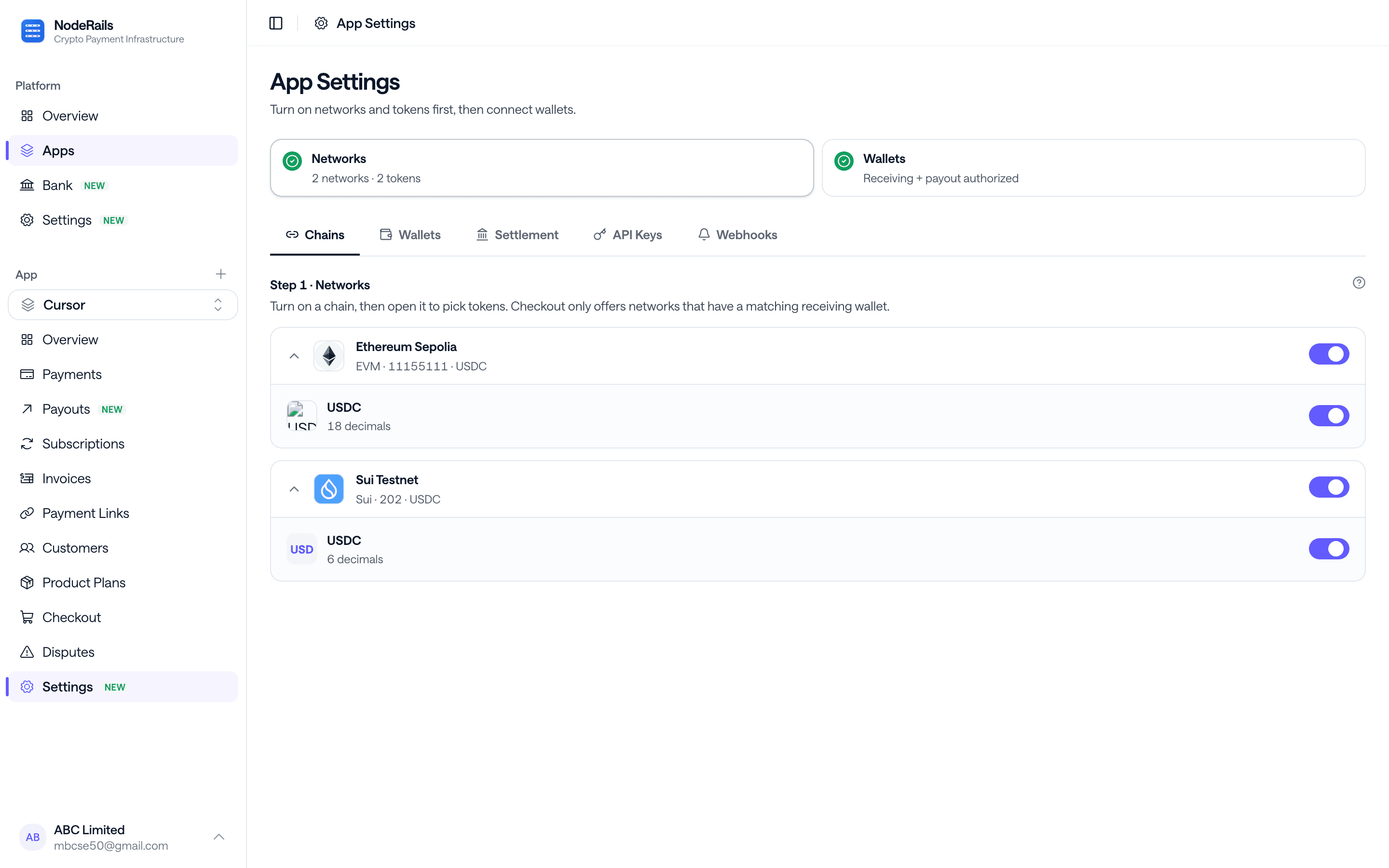
Sign payout authorization in app settings. Changing the payout wallet clears that family's auth so a stale key cannot spend.
Built for teams who send every week
Use the dashboard for ops, or the SDK for productized payouts. Activity is a payments-style list: click a row for recipients, fee, hashes, and status (processing, executed, failed).
- Team payroll and contractor payments
- Referral and affiliate commissions
- Bounties, grants, and reward programs
- Need fiat instead? Settle to bank after capture
How a payout leaves the wallet
Standing approval in the dashboard. Create and execute from the UI or noderails.payouts.create.
Authorize and fund
Connect the payout wallet, sign the yearly authorization, then approve the ERC-20 or deposit native for that chain.
Add recipients
Type wallets, pick from the address book, or import a CSV. Review recipient total, fee, and what you pay.
Send or schedule
Execute now, set a UTC time, or attach a recurring interval. Watch status on the Activity tab.
Start sending payouts
Authorize once. Send from the dashboard or the SDK. Recipients get the full amount.
Get Started Free